Xhorse VVDI BMW Coding and Programming Tool Highlights:Coding and programming OBD Key Generation Mileage Correction Reading EEPROM Simultaneous/Reading EngineSOFTWARE DOWNLOAD AVAILABLE HERE Features:Supports E chassis/F chassis Programming function Supports E chassis / F chassis code function OBD key: Supports CAS1/CAS2/CAS3/CAS3+/ISTAP/ etc. File Generation Key: Supports CAS1/CAS2/CAS3/CAS3+/ISTAP/CAS4/CAs4+, etc. Supports FEM/BDC system to generate keys, replace FEM/BDC control unit, supports reset mileage Supports mileage correction CAS1/CAS2/CAS3/CAS3+/ISTAP/CAS4/CAs4+ Support for reading EEPROM and sync data for CAS1/CAS2/CAS3/CAS3 systems Support simultaneous engine and CAS, synchronous ELV and CAS Support reading SN data from the engineFeatures:Working temperature: -20-70°C (-4-158°F) Storage temperature: -40-80°C (-40185°F) Product size: 146*85*33mm Packing size:355*283*87 Host net weight: 0.23kgWhat’s the difference between VVDI2 BMW and VVDI BMW?VVDI BMW tool not only for a locksmith, but it also has functions of coding and programming and much more.VVDI BMW has the possibility for manual coding and changing cars vo (vehicle order), emergency flash and retrofit options. VVDI BMW Tool covers the features of BMW VVDI2, It also supports E/F/G encoding and 8HP gearbox functions, as well as encoding function, including scanning clear DTC, etc. VVDI BMW Tool and vvdi2 software installation is similar. The VVDI BMW KM and IMMO function supported BMW car year similar to VVDI2 BMW key programmer. Most are differentiated according to the IMMO system. Currently, BWM is supported from very old EWS to CAS (1, 2, 3, 3++ 4,4+) and the latest FEM/BDC system. Both of VVDI2 and VVDI BMW Tool software update online, a firmware update via Xhorse update kit software.Includes:VVDI BMW Main Unit OBD Cable (Connect VVDI BMW To vehicle) USB Cable (Connect VVDI BMW To PC)
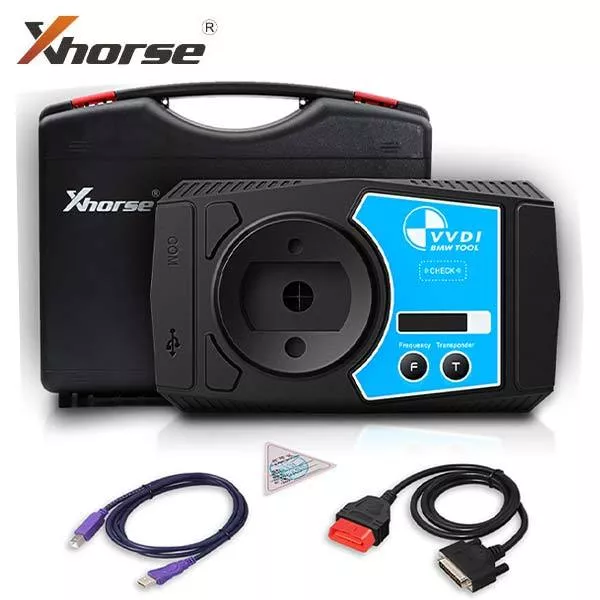
Xhorse – VVDI BMW Programming Tool – Support Mileage Correction
Original price was: $599.40.$412.61Current price is: $412.61.
Sale!Related products
Sale!
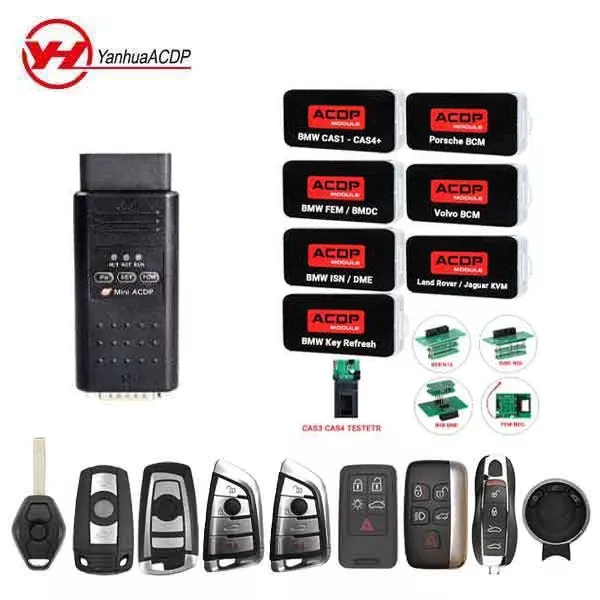
*Discontinued* ACDP PRO w/ Keys – High End Vehicles COMPLETE STARTER KIT – BMW, Porsche, Volvo, Jaguar, Land Rover & More
Original price was: $1,437.00.$1,094.70Current price is: $1,094.70.
Sale!
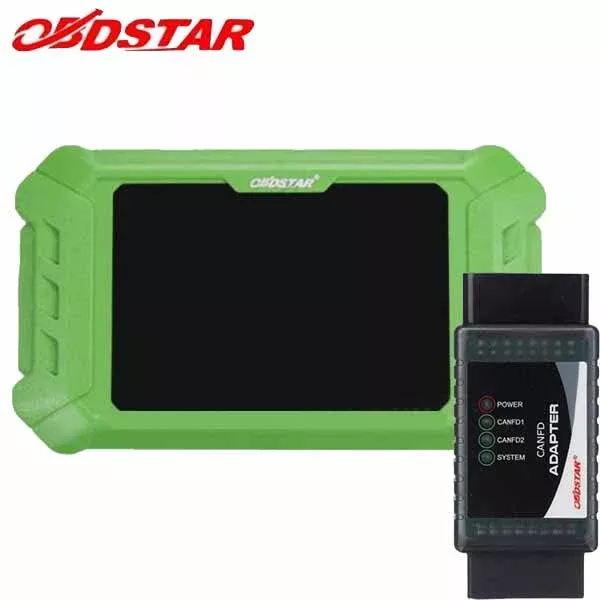
OBDStar – KeyMaster SuperPlus 5 – 2021 GM Key Programming Bundle
Original price was: $536.94.$328.49Current price is: $328.49.
Sale!
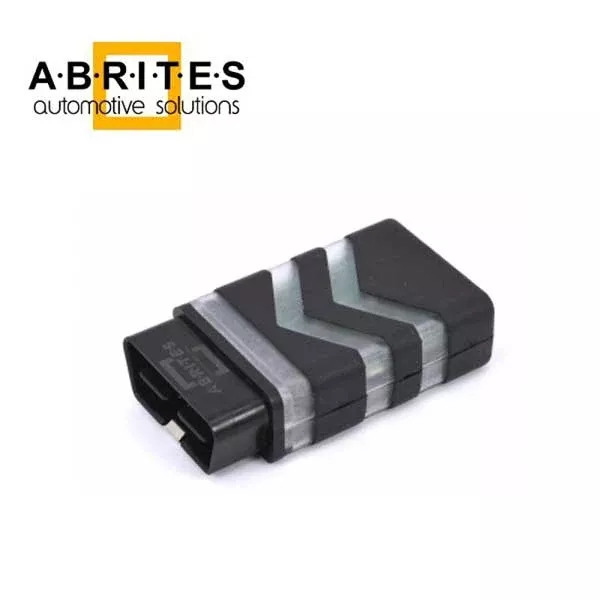
ABRITES – Volvo Key Programmer – For VL004 Only – KP001
Original price was: $200.00.$113.25Current price is: $113.25.
Sale!
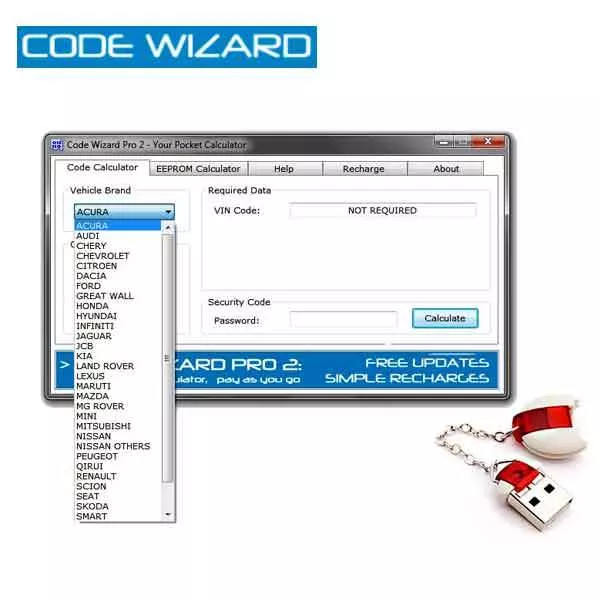
Code Wizard Pro 2 – ICC Pin Code Calculator Device – CWP-2 – Includes 200 FREE Tokens
Original price was: $292.00.$204.52Current price is: $204.52.
Sale!

TOPDON – T-Ninja Pro – OBD Automotive Key Programmer + CDJ Cable + 5 Smart Keys
Original price was: $354.31.$194.49Current price is: $194.49.
Sale!
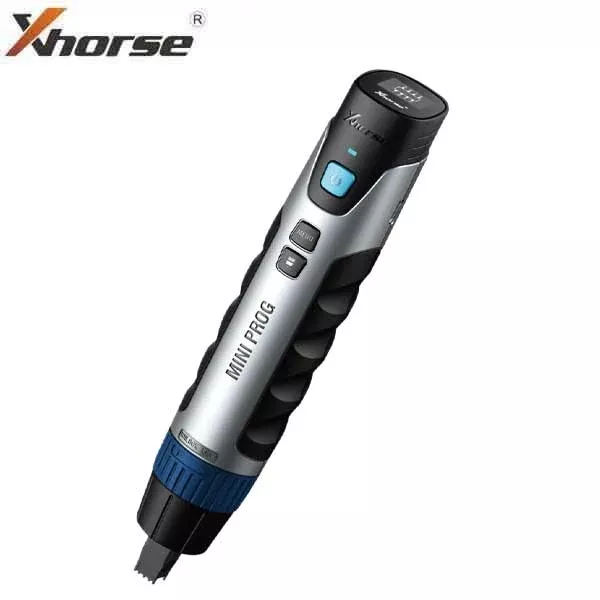
Xhorse – VVDI Mini PROG Pen EEPROM Programmer
Original price was: $311.20.$243.67Current price is: $243.67.
Sale!

Autel Key Programmer & Diagnostic Tool – MaxiIM IM608 PRO II – IMKPA, & APB112 (LIMITED OFFER)
Original price was: $2,079.94.$1,210.94Current price is: $1,210.94.
Sale!